1984-89 CHEVROLET CORVETTE C4 |
||||||||||||||||||||||||||||||||||||||||||||||||||||||||||||||||||||||||||||||||||||||||||||||||
|
1. Disconnect the negative battery terminal.
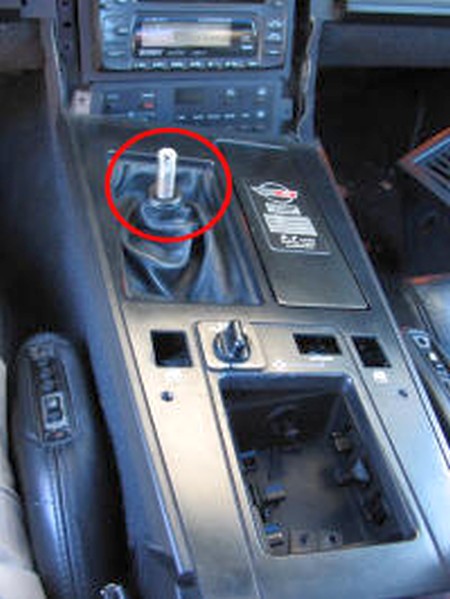
2. Remove the shifter knob as per the following (ZF-6 speed):
a. Using a small flathead screwdriver, remove remove the plastic lever button (with the shift pattern).
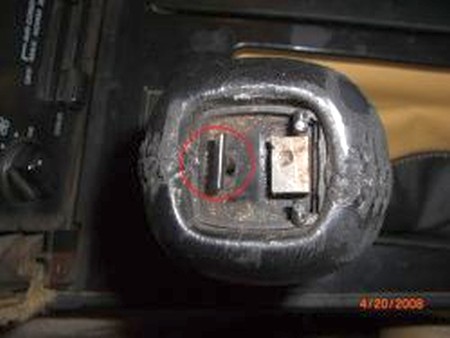
b. Remove the shifter reverse inhibitor ring socket setscrew, being careful not to strip the very delicate threads. Also be careful not to lose it, recommend putting in a platic bag.
c. Remove the thick wedge T-shaped cotter pin by clamping it with a pair of vice grips, then striking the handle of the vicegrips upwards in a vertical motion with a small hammer several times until loosened.
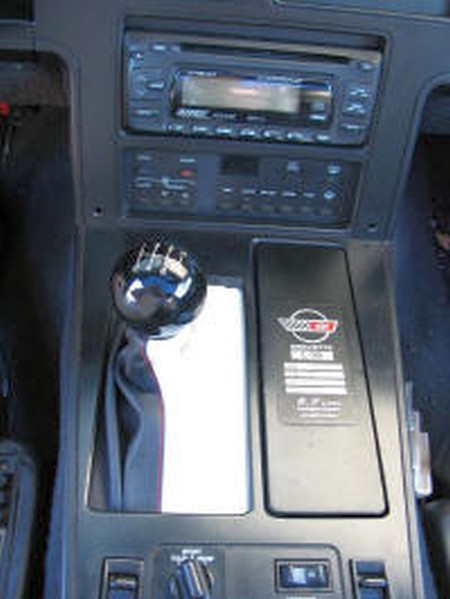
d. Unscrew the shifter knob. |
|
||||||||||||||||||||||||||||||||||||||||||||||||||||||||||||||||
|
Additional tips for the earlier interiors: 1. Specifically the 86 and 87 Corvettes with 4+3 manual transmission and the overdrive button on the stick (not the dash, like the 84/85 years) have another rod in the gearshift handle that needs to be removed (this is what activates the overdrive). It also unscrews, but it's VITALLY important to count how many turns you've taken to remove it and make sure you turn that exact amount when you replace it, otherwise your overdrive won't work.
After unscrewing the shift knob, you need to slide the reverse-lockout assembly off the shaft. When you reassemble it, it's keyed so it'll only go on one way - but it's important to know that the spring goes on TOP of the rod.
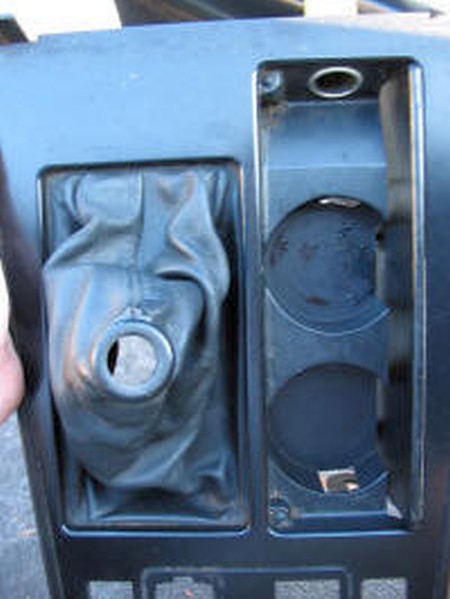
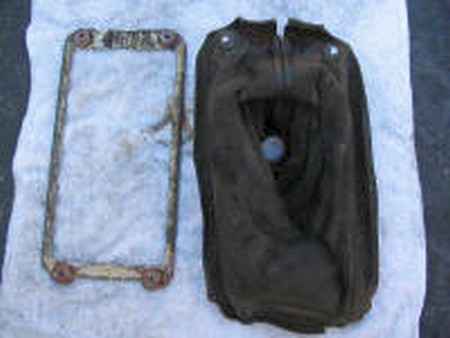
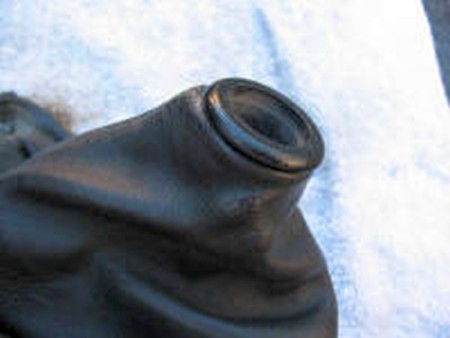
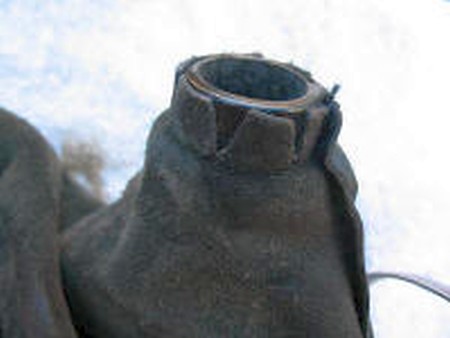
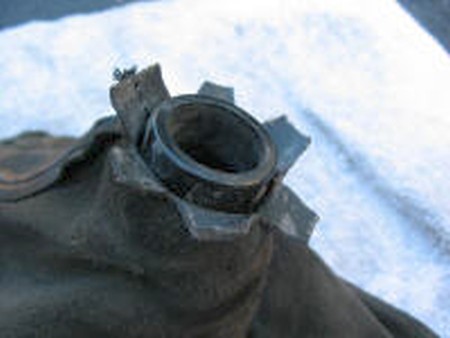
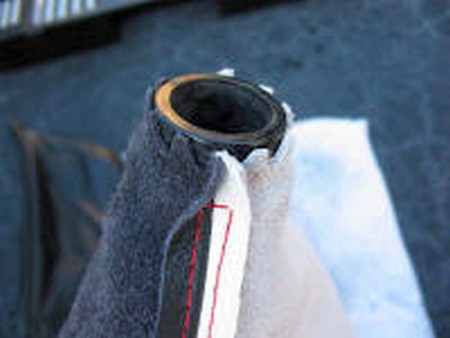
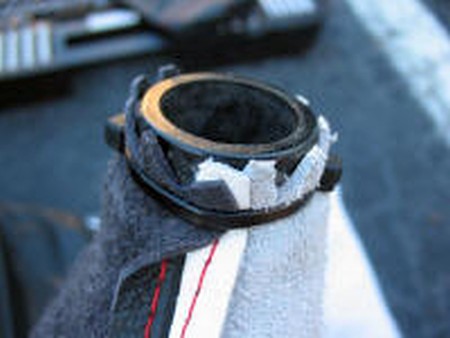
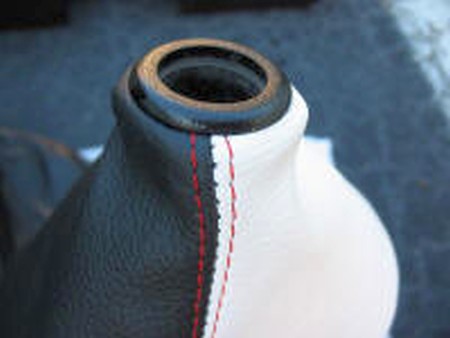
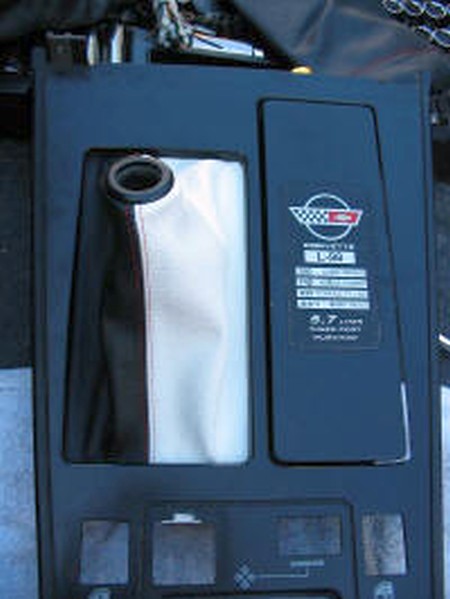
2. The factory leather boot is stapled, not glued, to the trim ring on these earlier models - and if you don't remove the staples, the new boot doesn't lay quite right on the ring... |
|
||||||||||||||||||||||||||||||||||||||||||||||||||||||||||||||||
|
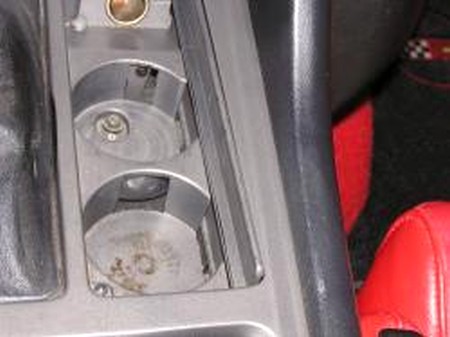
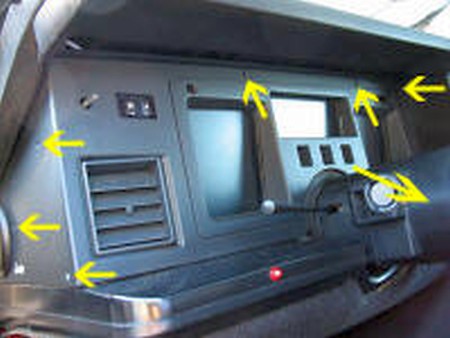
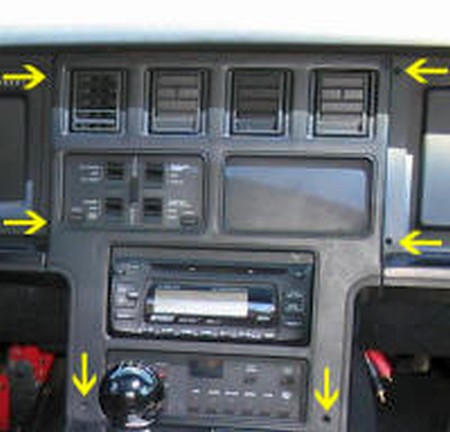
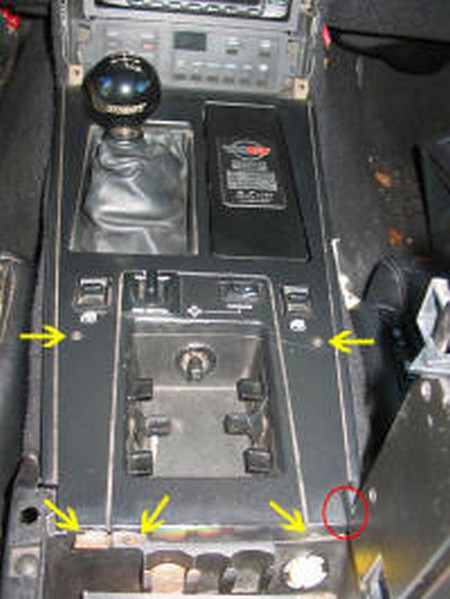
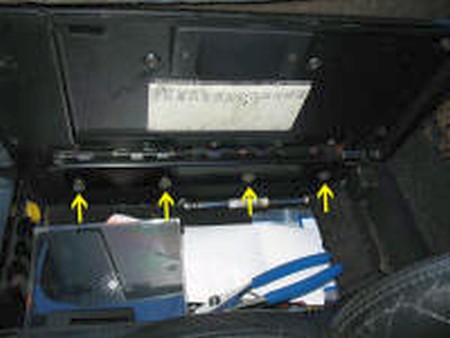
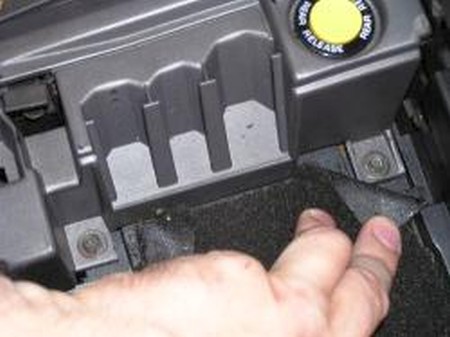
3. Remove the two rear trim plate screws (right), also the screw under the ashtray (picture above). |
 |
||||||||||||||||||||||||||||||||||||||||||||||||||||||||||||||||
|
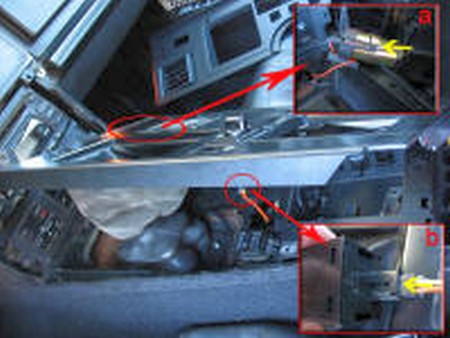
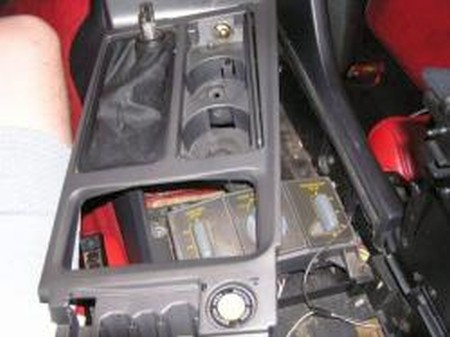
4. Disconnect the I/P (instrument panel) harness connectors for the cigarette lighter and the rear compartment hatch release switch. For ZR1, also disconnect the connector for the valet parking switch (not shown). |
 |
||||||||||||||||||||||||||||||||||||||||||||||||||||||||||||||||
|
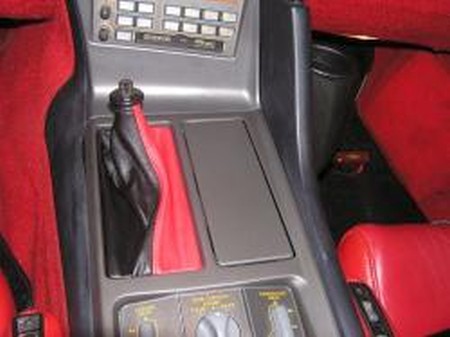
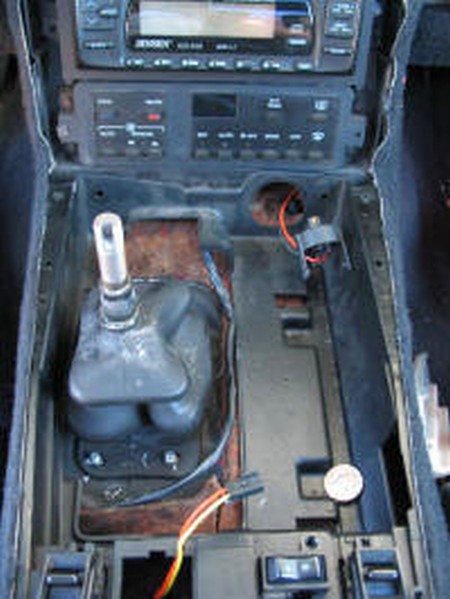
5. Remove the trim plate.
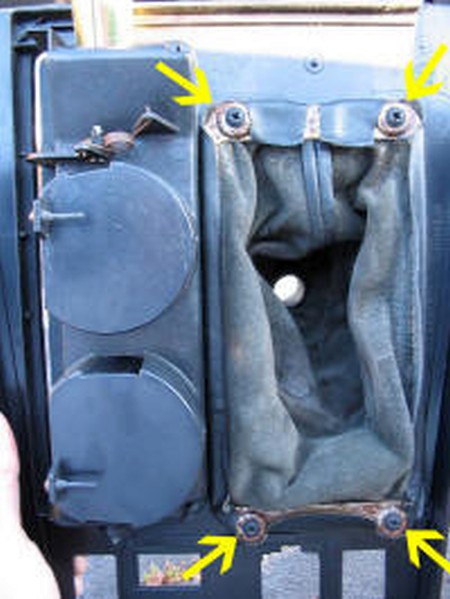
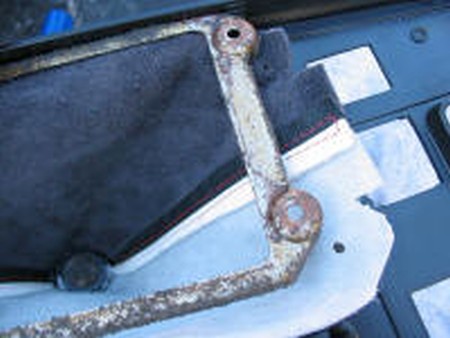
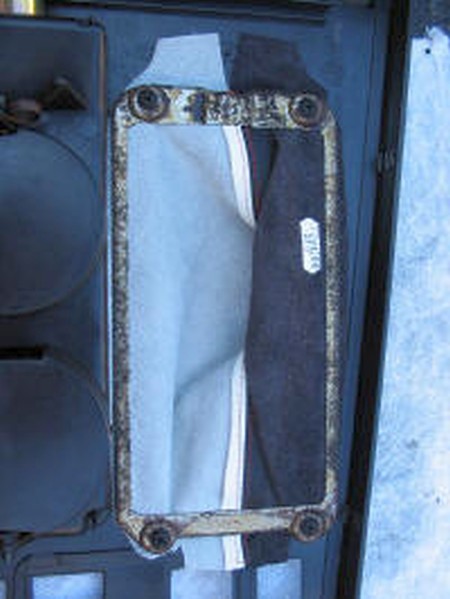
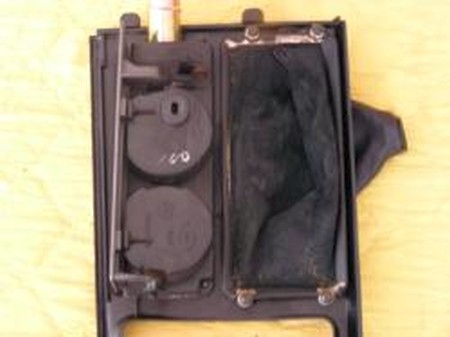
6. Removing the four 6-point star screws that hold the old shift boot into place over the bracket/frame. |
 |
||||||||||||||||||||||||||||||||||||||||||||||||||||||||||||||||
|
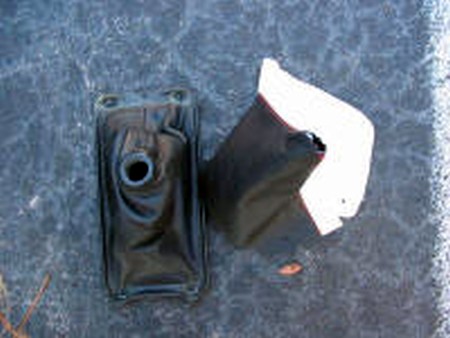
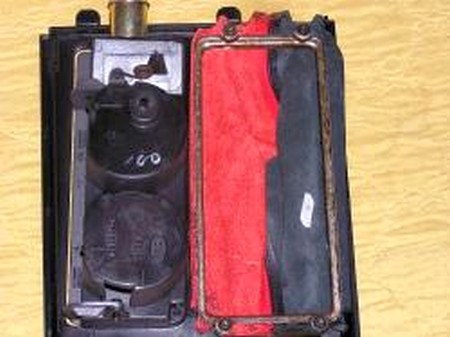
7. Install the new shift boot into place and tighten the 4 screws. |
 |
||||||||||||||||||||||||||||||||||||||||||||||||||||||||||||||||
|
8. Remainder of installation is accomplished by doing the reverse of 1-5. |
|
||||||||||||||||||||||||||||||||||||||||||||||||||||||||||||||||
|
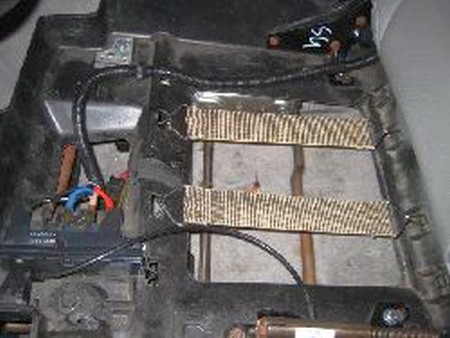
9. Remove driver seat bottom cushion. You must push down on the front edge of the cushion, and then reach underneath to release the clip that hangs below the plastic. Here's a picture of the clip and plastic: |
|
||||||||||||||||||||||||||||||||||||||||||||||||||||||||||||||||
|
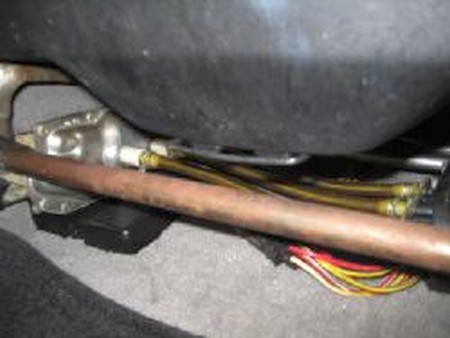
10. Once the cushion is removed, release the electrical and/or air connections (depending on which model of seat you have), and remove the 4 bolts that secure the black seat pan to the tracks. You can see these 4 bolts (13mm) on the four corners of the seat pan: |
|
||||||||||||||||||||||||||||||||||||||||||||||||||||||||||||||||
|
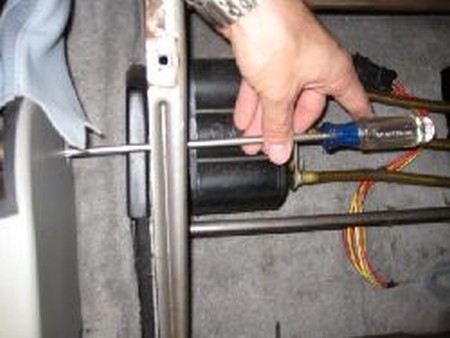
11. After the seat pan and back are removed from the tracks, you can use a Phillips head screwdriver to remove the e-brake housing cover: |
|
||||||||||||||||||||||||||||||||||||||||||||||||||||||||||||||||
|
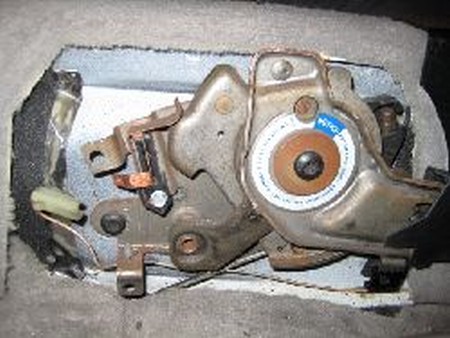
12. Remove the cover that was unscrewed in step 10. This is what you should be looking at now. |
|
||||||||||||||||||||||||||||||||||||||||||||||||||||||||||||||||
|
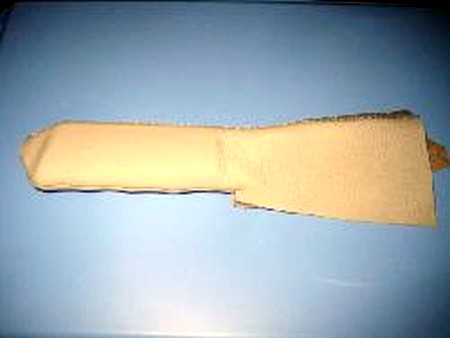
13. Slip the Redline Leather cover over the handle and arm of the e-brake assembly. The handle part is stitched fully around, but the part that covers the arm will be open at the bottom. This will allow for customizing the fit as needed. |
|
||||||||||||||||||||||||||||||||||||||||||||||||||||||||||||||||
|
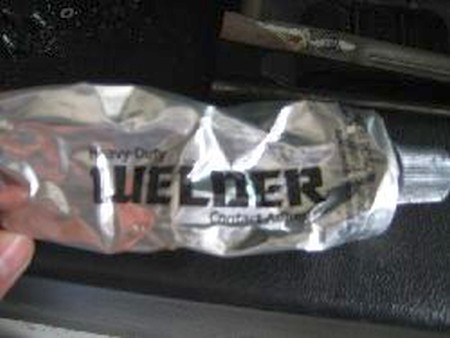
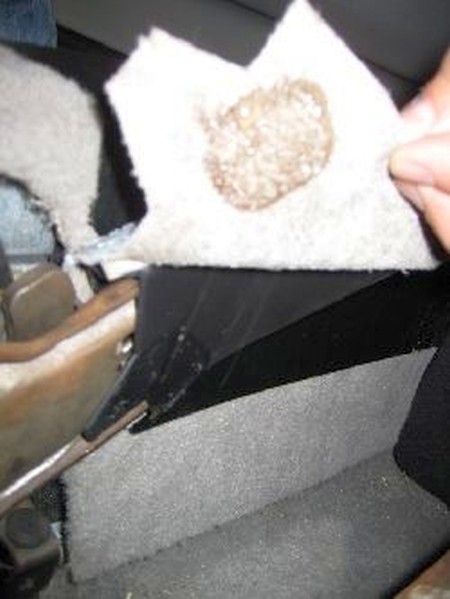
14. After the cover has been slipped over the handle and arm, a small dab of contact cement can be applied to the side of the black plastic arm cover, and the inside of the leather cover. I usually smush them together for a few seconds, then pull apart, and allow both parts to become tacky for a few minutes. Then, they are placed back together for a firm bond. |
|
||||||||||||||||||||||||||||||||||||||||||||||||||||||||||||||||
|
15. You also will need to use some of the contact cement on the un-stitched portion that lies beneath the arm. Once again, a few dabs, smush together, separate, let dry till tacky, then bond together. Installation is the reverse of disassembly |
|
||||||||||||||||||||||||||||||||||||||||||||||||||||||||||||||||
|
CONGRATULATIONS - YOU HAVE SUCCESSFULLY INSTALLED YOUR NEW LEATHER BOOTS!
Useful tip You have installed a product made out of genuine leather. As you know, to maintain a leather product in good condition, you should take care of it. We suggest occasionally (every 4-6 week for example) applying some leather conditioner/UV protector to keep your leather from drying up in the sun and cracking.
|
|||||||||||||||||||||||||||||||||||||||||||||||||||||||||||||||||
|
|||||||||||||||||||||||||||||||||||||||||||||||||||||||||||||||||
Please subscribe to our newsletter.
Get an instant 20% discount and enter our montly $100 CASH sweepstakes!